10 Things You Can Do to Make Your Website SEO-Friendly
10 Things You Can Do to Make Your Website SEO-Friendly

10 Things You Can Do to Make Your Website SEO-Friendly
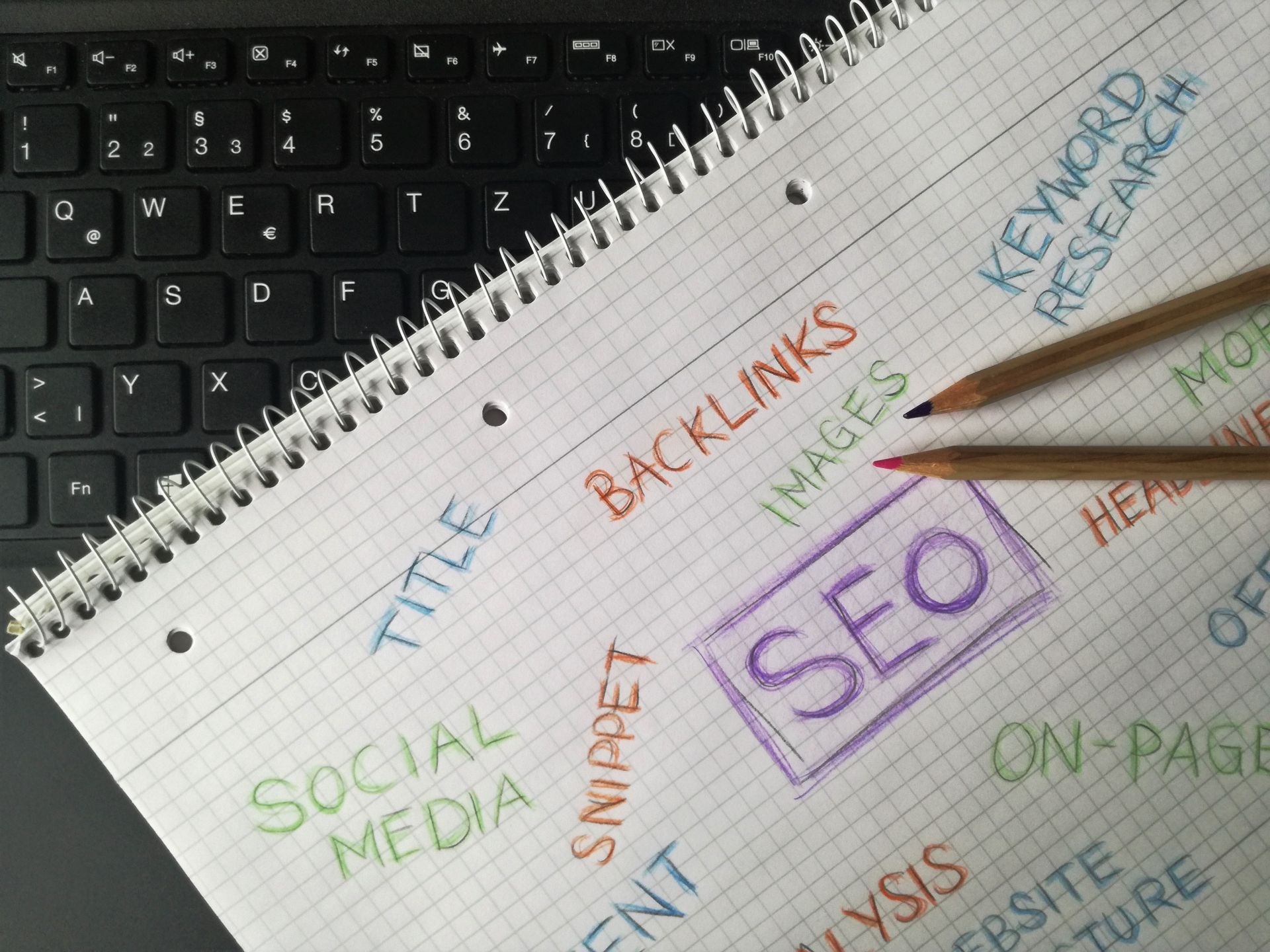
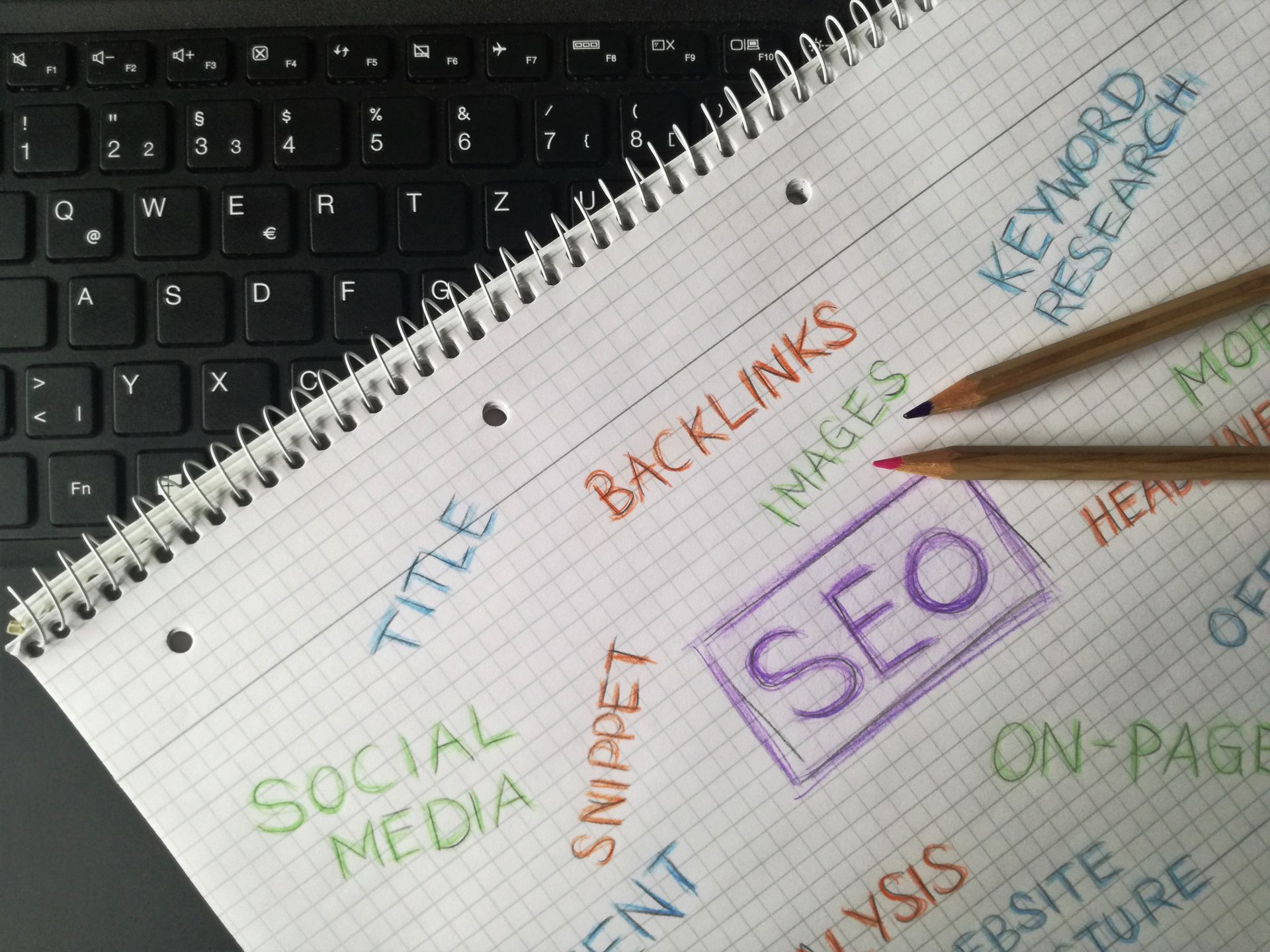
What is SEO?
Imagine building the most incredible, aesthetically pleasing online store in the world, incredible products, sleek design, lightning-fast setup, and placing it right in the middle of a dense, isolated forest where no roads lead.
That is what a website without Search Engine Optimization (SEO) is: a brilliant needle hidden inside a massive digital haystack.
SEO is the art and science of helping search engines, like Google, Bing, and AI assistants, find your website, understand what you offer, and present it to people actively looking for it.
Whether you're running a local coffee shop, launching a tech startup, or running a personal blog, understanding SEO is the difference between screaming into a void and having a steady stream of eager visitors arriving at your digital doorstep.
Here is a dive into where and how SEO works, why it matters, its different shapes and sizes, and how AI is changing the landscape.
Where and How SEO is Used
SEO isn't just for massive e-commerce platforms like Amazon; it is used across every corner of the internet.
- E-Commerce: Online stores use SEO so that when you search "best lightweight running shoes," their product pages pop up near the top.
- Local Businesses: Plumbers, dentists, and restaurants use it so locals can find them via searches like "best taco spot near me."
- Content & Media: News outlets and blogs rely on SEO to pull in readers searching for specific topics, guides, or breaking news.
- B2B & Enterprise: Companies selling software or services use SEO to attract business owners searching for industry solutions.
How does SEO and its content keywords actually work in google search?
Search engines send out automated bots (often called "crawlers" or "spiders") to discover pages across the web. They download those pages, analyze the content, and organize it into a massive database called an index.
When a user types in a query, an algorithm scans the index to evaluate thousands of factors, relevance, trustworthiness, page speed, and clarity, to rank the pages in order of helpfulness. SEO is simply the practice of tuning your site so those algorithms recognize your content as the absolute best answer.
Why is SEO So Important?
- Organic Traffic is Free (and Sustainable): Unlike paid advertising (where visitors stop arriving the moment you stop paying), organic traffic generated from SEO is free, compounding over time.
- High Intent: When someone searches for a specific service or product, they already want it. SEO puts you right in front of people who are actively trying to solve a problem.
- Builds Credibility: Most people trust search engine recommendations. Landing on page one automatically gives your brand a stamp of authority and legitimacy.
- Better User Experience: Good SEO isn't just about pleasing search algorithms; it’s about making your site faster, easier to navigate, and mobile-friendly for human visitors.

The 4 Pillars: Different Types of SEO for Websites
SEO isn't a single switch you flip, it consists of several distinct disciplines working together.
1. On-Page SEO
This focuses on the actual content on your website. It involves crafting helpful, high-quality articles, structuring text with clear subheadings, using targeted keywords naturally, and optimizing meta descriptions and image alt text.
2. Off-Page SEO
This is everything that happens outside of your site to build reputation. Think of it as word-of-mouth for search engines. The main element here is acquiring backlinks (links from other reputable websites pointing to yours), alongside brand mentions, reviews, and social media signals.
3. Technical SEO
This works behind the curtain to ensure search engine spiders can read your site without hitting roadblocks. It includes site speed optimization, secure connections (HTTPS), mobile responsiveness, XML sitemaps, and fix-ups for broken links.
4. Local SEO
If you have a physical location or serve a specific geographic region, Local SEO is critical. It involves managing your Google Business Profile, accumulating local reviews, and making sure your business name, address, and phone number are identical across directory listings.
Unlocking the Engine: Keyword Research, SEO Checkers, and Essential SEO Tools
You wouldn't build a house without blueprints, and you shouldn't build content without knowing what your audience is actually searching for. That’s where keyword research, checkers, and specialized tools come in.
What is Keyword Research?
Keyword research is the process of finding the exact words, phrases, and questions people type into search boxes. It helps you answer three crucial questions:
- What are people searching for? (Search terms and phrases)
- How many people are searching for it? (Search volume)
- In what format do they want the answer? (Search intent—do they want a product to buy, a quick definition, or a detailed step-by-step tutorial?)
Instead of guessing what your audience wants, keyword research gives you direct access to real market data so you can tailor your content to actual demand.
What are SEO Checkers?
An SEO Checker (or website audit tool) acts like a health scan for your website. You plug in a web address, and the tool scans the site for technical bugs, slow loading times, broken links, missing meta tags, and mobile usability issuecs. Most checkers generate an immediate "SEO score" alongside a prioritized checklist of fixes.
The Toolkit: Top SEO Tools to Know
You don't need dozens of subscriptions to get results, but having a few reliable tools in your stack makes the job significantly easier.
- All-in-One Powerhouses (Semrush & Ahrefs): Industry standards used for deep keyword research, competitor analysis, backlink tracking, and full-site health audits. They even track whether your brand appears in AI-generated answers like ChatGPT or Google AI Overviews.
- Free Search Engine Tools (Google Search Console & Google Keyword Planner):
- Google Search Console (GSC) is a free must-have that shows you the exact queries driving real traffic to your site, indexation issues, and performance metrics.
- Google Keyword Planner helps you discover seed keywords and estimate monthly search volumes directly from Google's database.
- Speed & Performance (Google PageSpeed Insights): A free checker that measures your site's load time on both desktop and mobile, giving specific code and image optimization tips.
- CMS Plugins (AIOSEO, Yoast, or Rank Math): If you use platforms like WordPress, these plugins sit directly in your content editor to give real-time SEO scores, schema markup support, and formatting feedback as you write.
- Content & Ideation Tools (AnswerThePublic & SurferSEO): Tools like AnswerThePublic map out customer question strings (the who, what, why, where queries), while SurferSEO analyzes top-ranking pages to help you optimize word counts, headings, and related topic coverage.
The Future of SEO and the AI Revolution
Search is undergoing its biggest transformation in two decades. Instead of simply returning a page full of 10 blue links, modern search experiences, powered by tools like Google's Gemini, ChatGPT, and Perplexity, are generating direct, synthesized answers right at the top of the page.
This shift has given rise to Generative Engine Optimization (GEO) and Answer Engine Optimization (AEO).
- From Keywords to Topics & Entities: Search engines no longer just look for matching keywords; they seek to understand the meaning and context behind a query.
- Focus on Citations: The modern goal is to get your brand cited as a reliable source within AI summaries, rather than relying solely on traditional link clicks.
- E-E-A-T is Paramount: As generic AI-generated text floods the internet, platforms place higher value than ever on Experience, Expertise, Authoritativeness, and Trustworthiness (E-E-A-T). Real human experience, original data, first-hand reviews, and unique perspectives are the true differentiators.

Top 10 Things You Can Do to Make Your Site SEO-Friendly
If you want your site to perform well with both human visitors and modern search engines, these ten actions offer the strongest starting foundation:
- Answer the User's Intent First: Lead with clear, direct answers to common questions right at the top of your pages before diving into details.
- Optimize for Speed: Compress images, clean up code, and use fast hosting. If a site takes longer than 3 seconds to load, visitors, and search crawlers, leave.
- Make It 100% Mobile-Friendly: Search engines index the mobile version of your site first. Ensure buttons are easy to tap and text scales nicely.
- Structure Content with Headings: Break up long text using clear subheadings (H1, H2, H3), short paragraphs, and bulleted lists so both readers and AI can digest it.
- Demonstrate Real Expertise (E-E-A-T): Include author bios, share original data or case studies, and talk about personal, first-hand experiences.
- Use Descriptive Alt Text on Images: Describe what is in an image using plain, simple language to aid visual search engines and screen readers.
- Build Strong Internal Links: Connect related pages on your site using descriptive anchor text. This helps search engines map out how your topics connect.
- Implement Schema Markup (Structured Data): Add structured data code to your site to explicitly tell search engines details like your business hours, product prices, or FAQ structures.
- Focus on Quality Backlinks over Quantity: Instead of spamming forums for links, focus on creating high-value resources, original guides, or conducting digital PR that makes other sites want to cite you.
- Keep Important Content Fresh: Regularly update older articles with current information, refreshed data, and fixed links to show search engines your content remains reliable.
Finally, Search Engine Optimization isn't about outsmarting an algorithm, it’s about delivering a smooth, authoritative experience that provides real value to human beings. Focus on building a helpful site, and the search traffic will follow.
Did you find this article helpful? Sign up to our newsletter for more tips and tricks to improve your website performance.
Other helpful articles:
- A Beginner's Guide to Website Design
- The 5 Stages of Design Thinking
- Discover the World of Graphic Design